Improved event creation process for Clan Planner v.3.2.0
Version 3.2.0
We are introducing a couple of new features as a quality-of-life improvements based on your feedback.
Discord Notification Settings
We have introduced a new Discord bot command:
/notifications
This command allows you to toggle on or off either:
- the Signups confirmation Discord message (DM)
- the Team notification DM
These settings are also available on the website via the user dropdown in the top right.
We have also updated the signups confirmation DM that you get to:
- Include the event name
- Include an updated timestamp. Users can see when the message was sent to them and whether it is out of date or not.
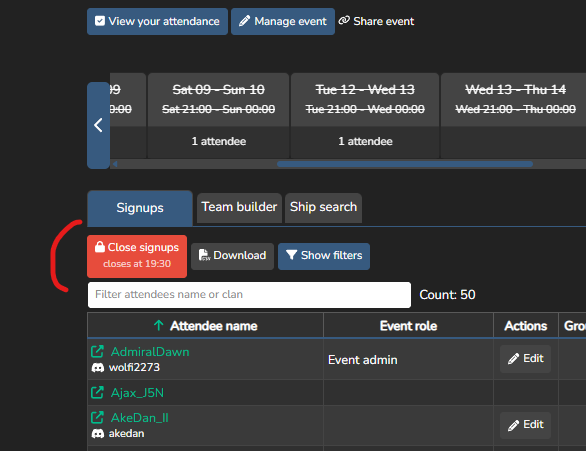
The signup modal also shows whether the confirmation DM is enabled or not, and includes some additional info to help you convert the time zone of the server into your time zone.
Simplified Event Creation
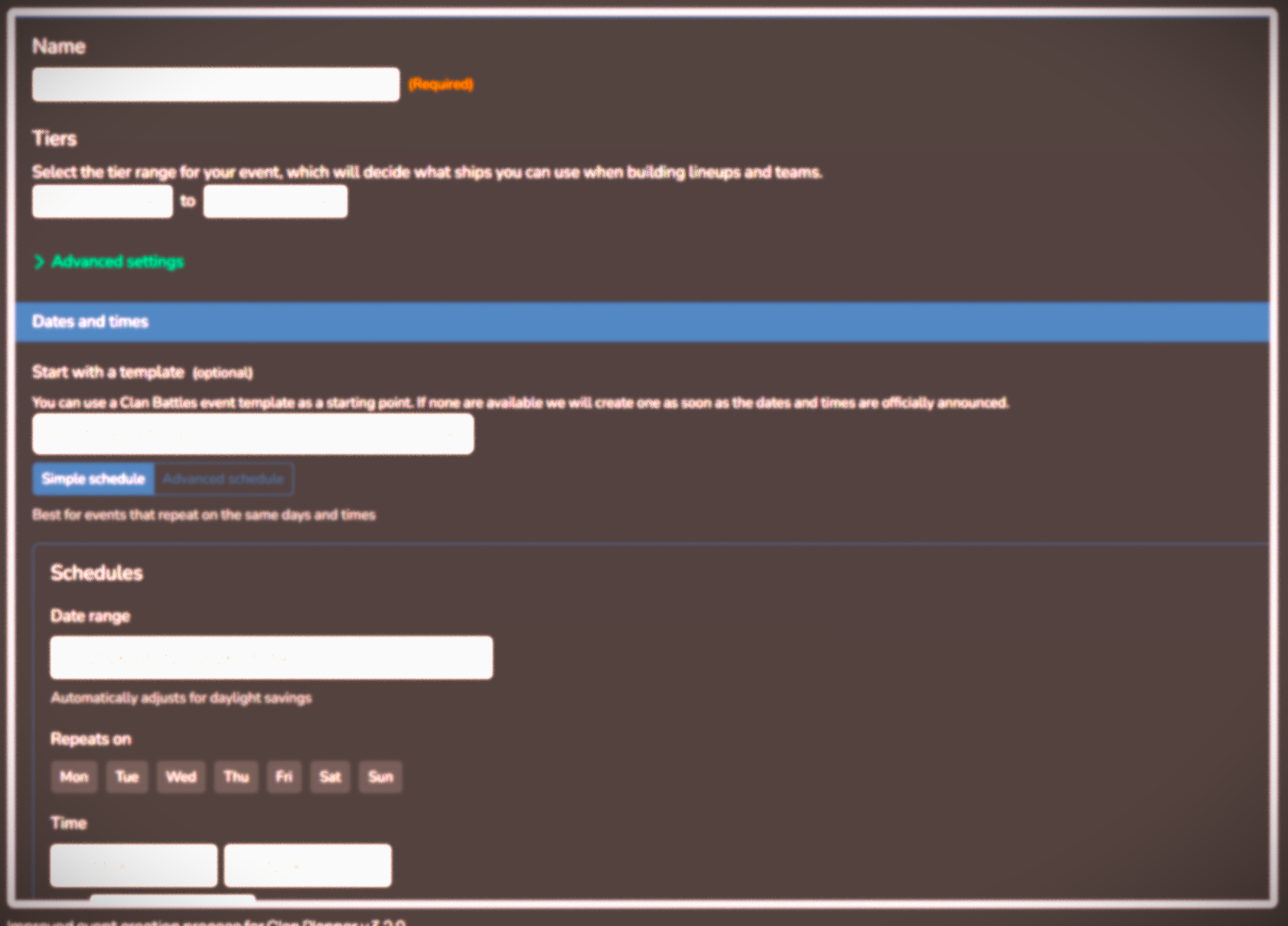
We have simplified the event creation process, with associated changes to the Manage Event screen:
- A Simple Schedule is presented first to the user which allows them to create the majority of the events.
- Advanced features are now hidden by an Advanced settings toggle on the Create and Manage Event pages.
- Daylight savings (DLS) has now been handled automatically for you; you no longer need to create schedules manually to ensure that dates and times are handled across DLS boundaries.
This means you can create an event more quickly, with less chance of making a mistake.
If you have any feedback, please let us know on our Discord.
The Clan Planner Team
About the Author